Room
Create an escape room–style puzzle block. Players solve sub-puzzles in any order to collect clues, then unlock a final block to escape the room.
What It Does
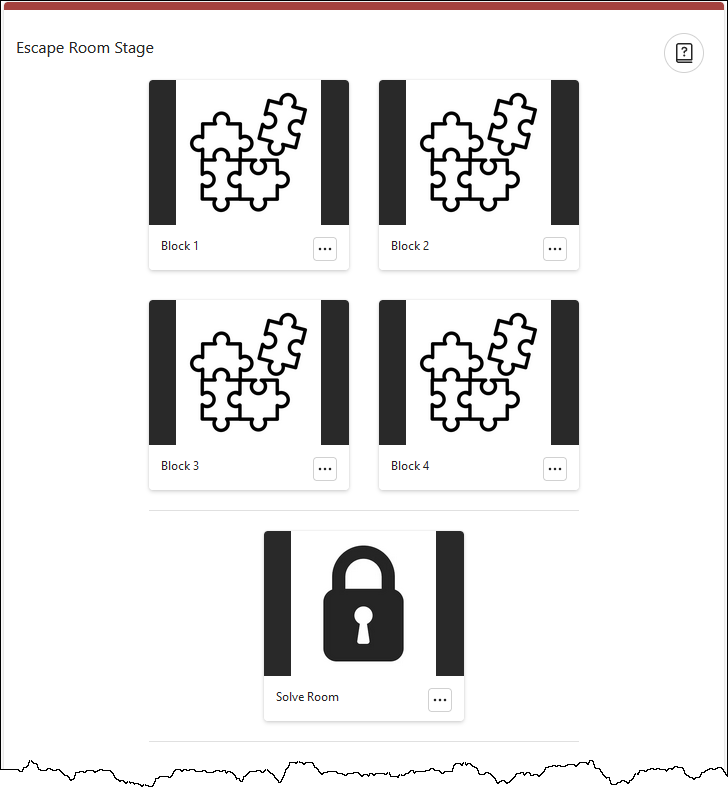
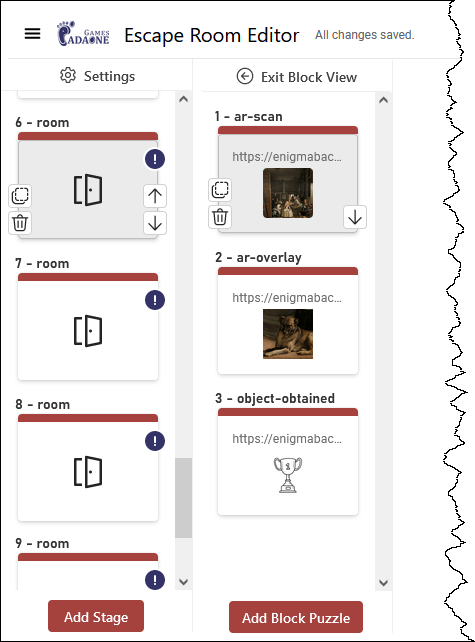
The Room stage is the most complex stage type. It simulates an escape room "chamber" where several puzzles (blocks) must be solved — in any order — before a final exit block is unlocked. Each block is a self-contained sequence of sub-stages (AR scans, narratives, objects obtained, etc.).
Configuration
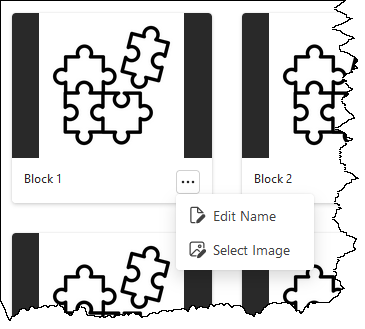
A new Room stage starts with five blocks: four puzzle blocks and one exit block. Selecting a block in the editor reveals a secondary column where you add sub-stages by clicking Add block puzzle. Blocks cannot contain other Room stages. Each block has a name and image editable from the ⋯ menu.
Randomize block order — Shuffles the block buttons shown to players each session, reducing "follow the crowd" behaviour in group events.
Lock exit block — (Default on) Prevents players from attempting the final exit block until all four puzzle blocks are completed.
Editor Views