Narrative
Engage players with a story-driven phase where characters speak and advance the plot. No puzzle to solve — pure immersive storytelling.
Video Tutorial
What It Does
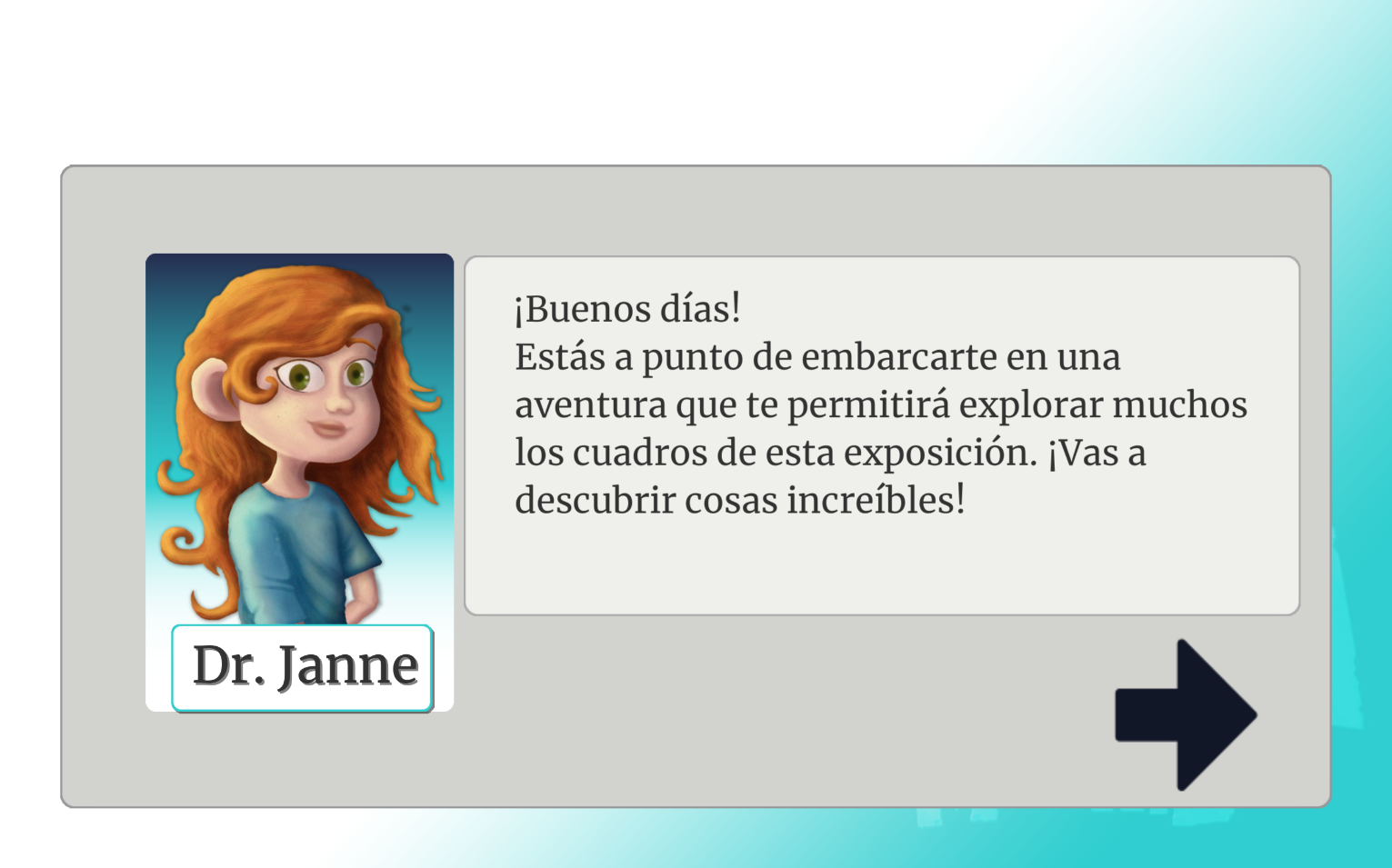
The Narrative stage displays dialogue between characters — text said by one or more game characters configured as pages. Players tap through each page. There is no challenge to complete; the stage exists to give the adventure a script, guide players, and create atmosphere.
Configuration Parameters
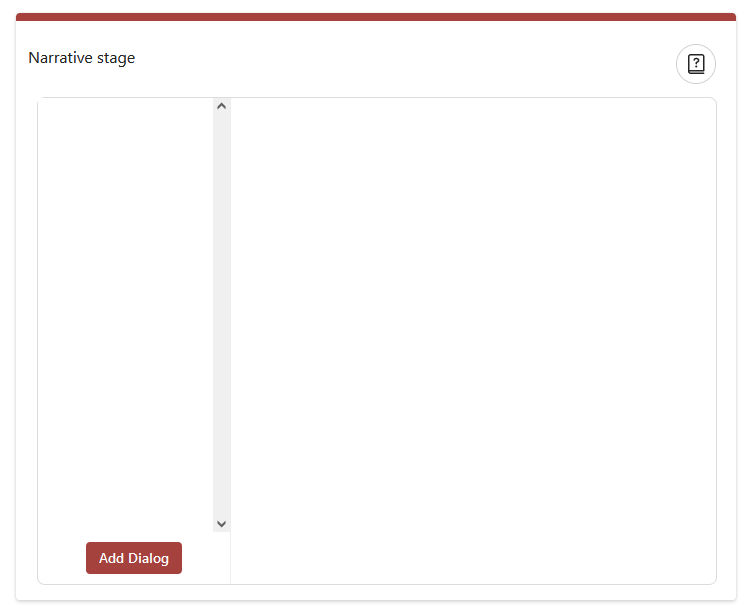
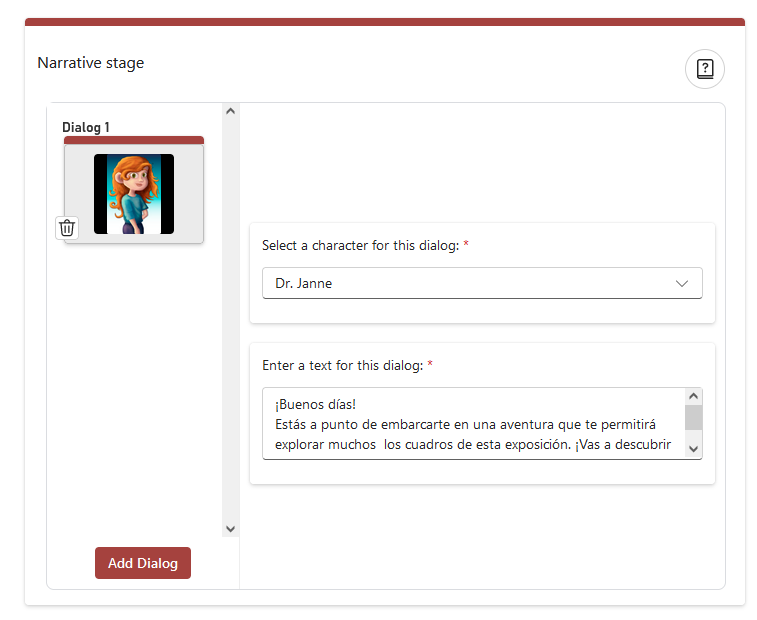
Narrative stages support multiple dialogue pages. Each page has a character (created in advance in the activity) and a text block. The editor shows pages in a left column with the selected page's details on the right.
Add Dialog — Adds a new page. You can add as many as needed.
Character — The character speaking on that page (name + avatar).
Text — What the character says. Keep each page short — screen space is limited.
Editor & Player Views