AR Overlay
Ask players to scan a specified object using their device's camera and overlay a custom image onto the scanned object in augmented reality.
Video Tutorial
What It Does
The AR Overlay stage activates the device camera so the player searches for a specific image or object in the real world. When detected, a configurable image is superimposed over it for a set duration. Once that time elapses the stage is considered complete and the adventure moves on.
This stage is ideal for revealing hidden clues, transforming physical props, or creating magical moments where the real world is augmented with game content.
Configuration Parameters
Trackable image to look for — The real-world image the player must find and over which another image is superimposed.
Physical width of the trackable (metres) — The width of the above image in the physical world. Doesn't need to be exact — it's a hint to the AR system to improve tracking.
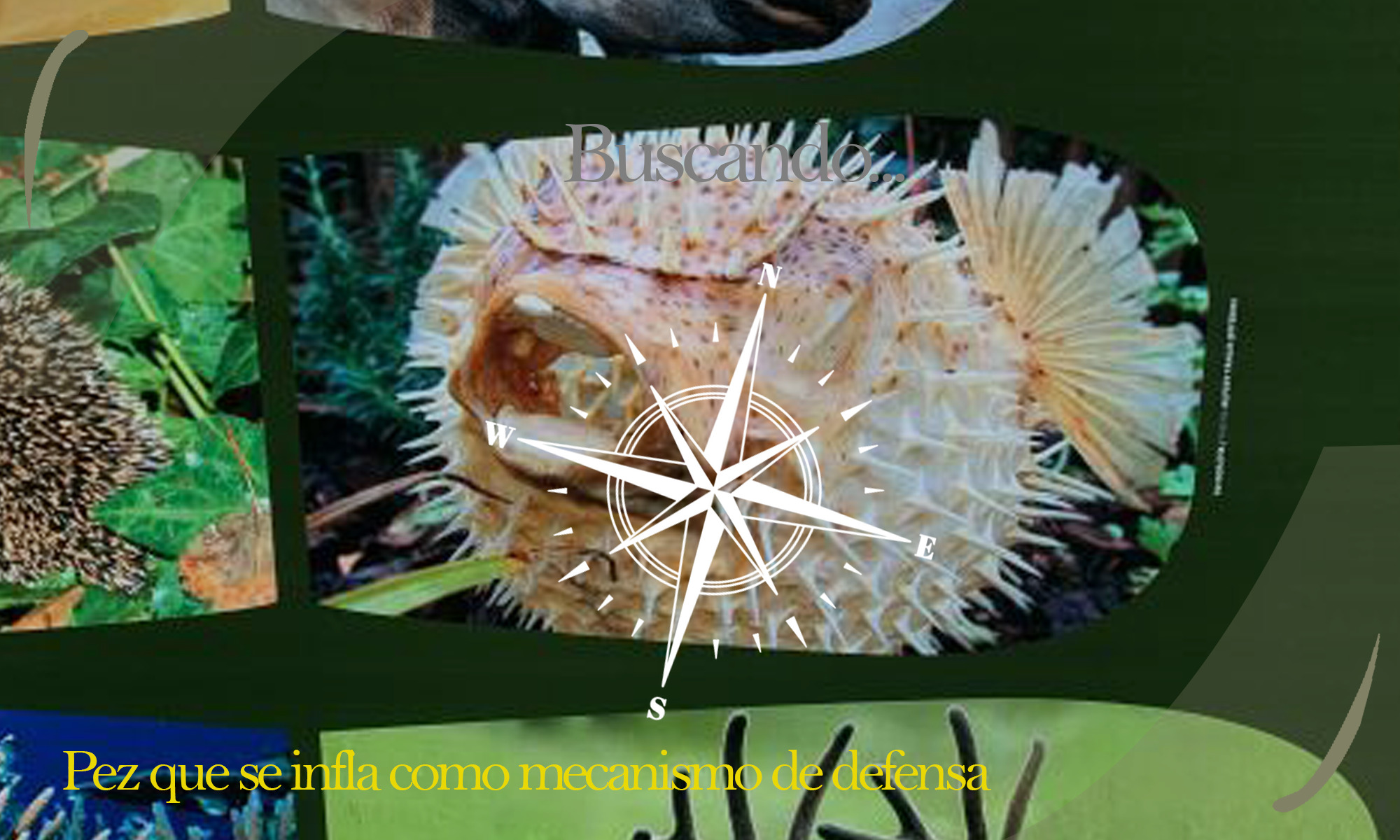
Hint to help the player find the trackable — A text clue shown on screen indicating what the player needs to find in the physical world.
Image to use as overlay — The image superimposed over the real-world target in the device camera.
Example
The images below show the execution of this stage. The first shows the camera scanning before the target has been detected — the text hint "Pez que se infla como mecanismo de defensa" is visible at the bottom. The second shows the overlay applied once the target image is recognised.