Stage Type
Object Obtained
Present players with a success screen when they acquire a specific in-game item. Celebrates the discovery and contextualises it within the story.
Video Tutorial
What It Does
The Object Obtained stage displays a reward screen showing a specific item the player has just acquired — an image and descriptive text. It is cosmetic and narrative in nature: there is no real inventory system, but the stage signals to players that they have "earned" something they can use later (narratively) in the adventure.
Configuration Parameters
Sprite of object obtained — The image shown to the player representing the acquired item.
Text below the sprite — A short label or flavour description of the item.
Example
The example below shows a player acquiring a puzzle piece to be "used" in a later stage.
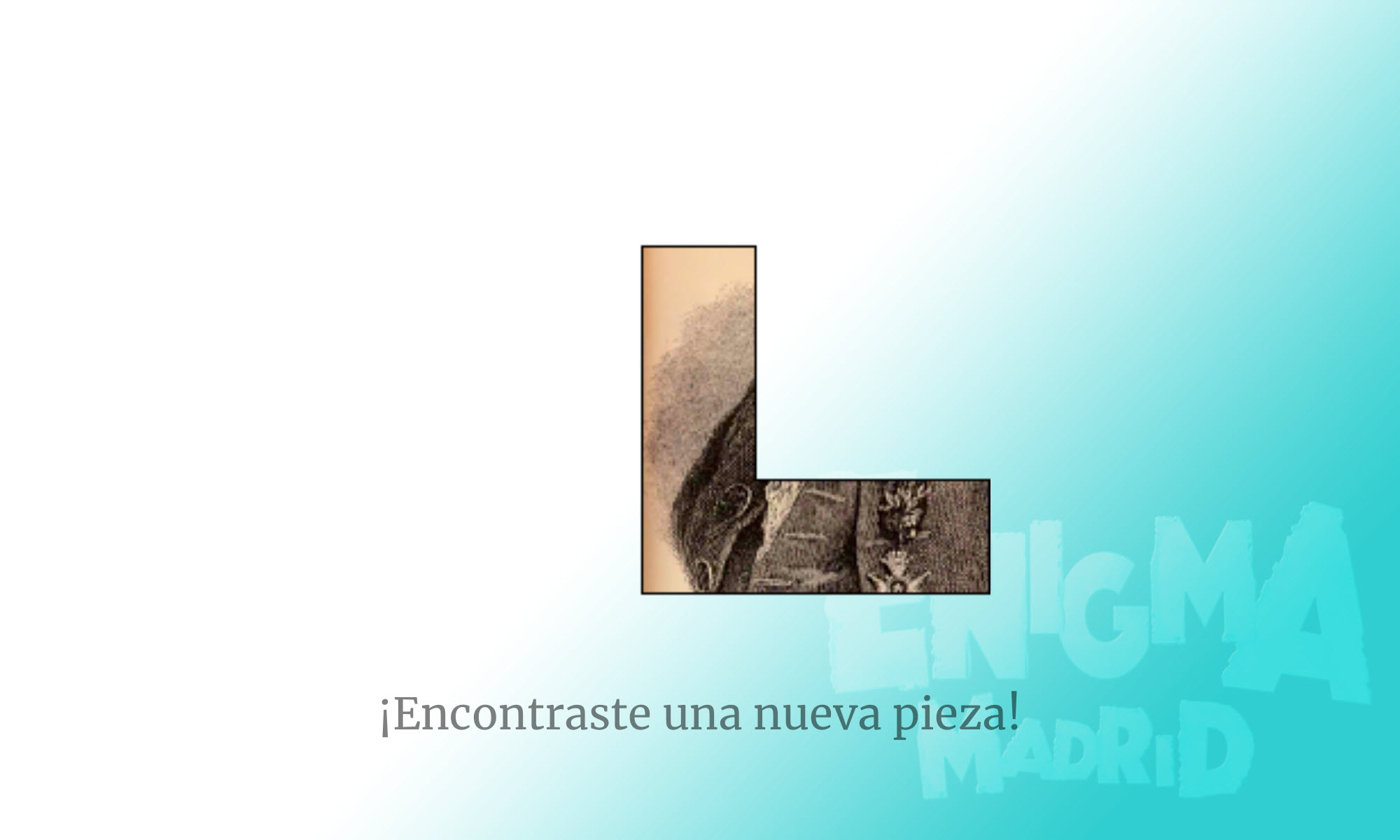
Player view showing the acquired item and description
Tips
There is no real inventory — obtaining an object is narrative information. Use a subsequent Narrative stage to explain how the player "uses" the item to progress (e.g. "Using the key you found, you open the next door").
Design item images with a consistent art style across all objects in your activity for a cohesive feel.